Selling offline
Light off, network gone. Still selling.
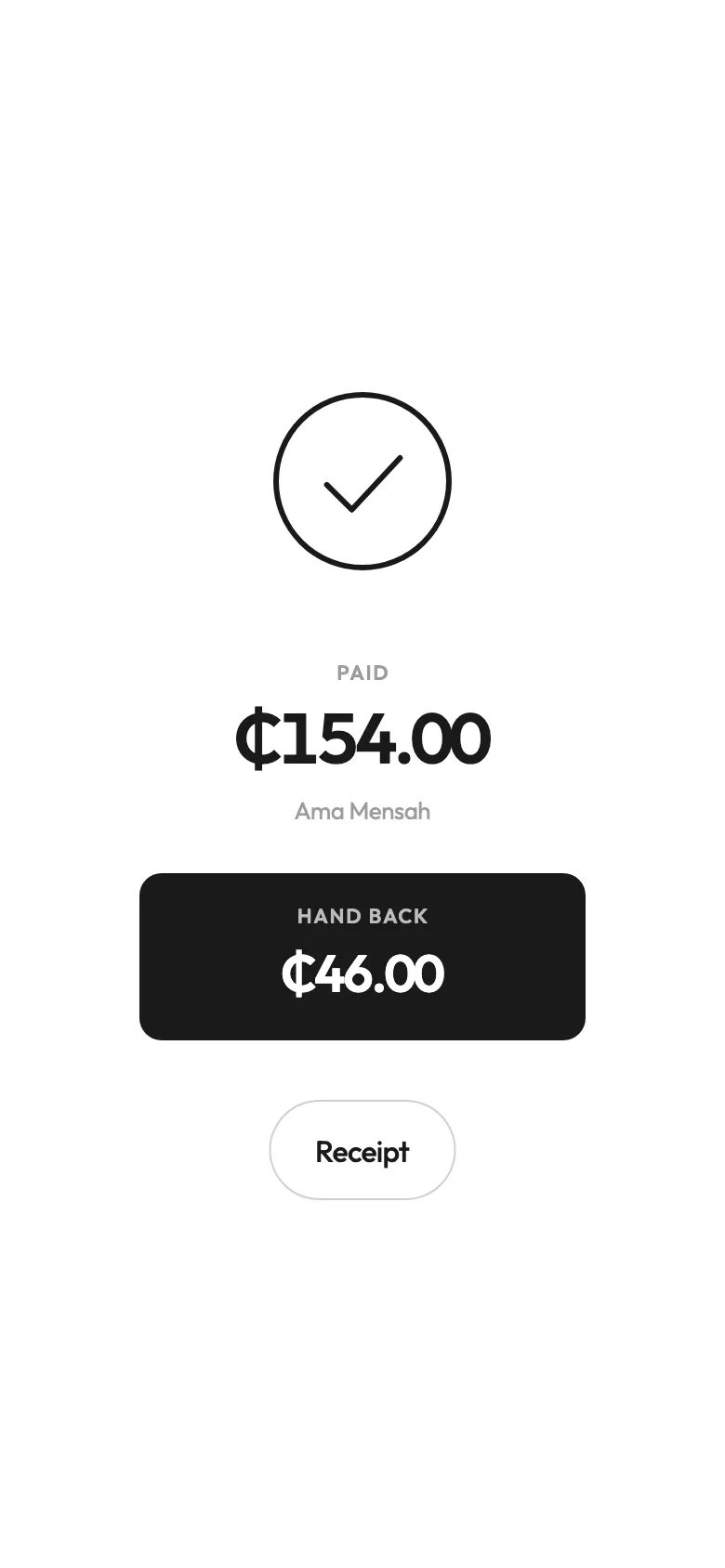
No light, no network, no problem. Every sale saves on the phone first and catches up by itself when the signal’s back. There’s no backup button, because you shouldn’t need one.
Why this matters more here
In a lot of the world a till that needs the internet is fine, because the internet is always there. Here, the light goes off at six, the router goes with it, and the mobile data comes and goes all evening. A till that stops when the network stops is a till you can’t trust on the nights you need it most.
So Tabworthy doesn’t wait for the network. Every sale is written on the phone first, the moment you tap. The network is only for the copy.
What keeps working
With no signal at all, you can still:
- ring up every sale, open tabs and add rounds,
- take cash, with the change worked out,
- take the card machine you already have,
- put a sale on a regular’s tab,
- see the day’s report so far.
And if two phones are selling for the same place, both keep going on their own. When they reconnect, they agree: nothing is sold twice and nothing is lost.
What needs a signal
A MoMo prompt has to reach your customer’s phone, so it needs a network on both ends. So does a pay link. When the network’s gone, take cash, or let them send it to your number and check it when the signal’s back. Mobile money explains the prompt.
Signing in on a brand new phone needs a network once, too, so it can bring your records down.
Catching up, by itself
When the signal comes back, everything that was sold offline goes up on its own. If the network drops halfway, it tries again. There’s no backup button to remember, no “sync now”, and no message telling you something failed while there’s a queue in front of you. The owner’s phone, wherever it is, shows the day as soon as the till has caught up.
We built it this way on purpose. A backup button at eleven at night on eight percent battery is a button that gets pressed six times and does nothing you can see.
If the phone dies, or walks
Phones get dropped, drowned and stolen. Once a phone has synced, your records are in the cloud as well as on it, so you sign in on another phone and the day is there. The copy on the phone itself is encrypted, so whoever has it can’t read your takings off it.
What hasn’t synced yet is only on that phone. That’s the one good reason to let it see a network now and then, even on a quiet day.
Keeping the counter going through dumsor
The app is the easy part. Keeping the phone charged, the change ready and the MoMo sorted when the light’s been off for four hours is harder. Selling through dumsor is our checklist for it.
What it doesn’t do
It can’t send a MoMo prompt or a pay link with no network. It can’t sign a new phone in offline. And it can’t bring back sales from a phone that was lost before it ever synced.
What people ask
Does it work without internet?
Yes. Selling, cash, the card machine, tabs, the customer book and the day’s report all work with no network. Everything saves on the phone first and catches up by itself when the signal is back.
What needs a network?
A MoMo prompt, because it has to reach your customer’s phone, and a pay link. Signing in on a new phone needs one too.
What if the phone dies or gets stolen?
Once it has synced, your records are in the cloud as well as on the phone, so you sign in on another phone and they’re there. The copy on the phone is encrypted.
Do I have to press anything to back up?
No. There is no backup button. The app catches up on its own, and tries again by itself if the network drops halfway.
Read next
- GuideSelling through dumsorLight off at six, network gone at seven. What to have charged, what to keep on the counter, and how to make sure no sale goes unrecorded tonight.
- What it doesMobile moneyType their number and the prompt lands on their phone. The sale only closes when the money arrives. MTN, Telecel and AirtelTigo, paid out to you.
- What it doesThe reportToday’s takings since opening: cash against MoMo, what’s still open, what sold and who sold it. Read it on your own phone from anywhere. On every plan.
Early access
Want it on your counter?
We’re opening Tabworthy to a first circle of food and drink businesses in Ghana, a few at a time. Ten short questions, about three minutes.